
Scenario
You wish to manage multiple Signature 365 tenants from a single management account
Solution
Whilst logged in to the Signature 365 portal, you can either be invited to an existing Signature 365 tenant, or create an additional Signature 365 tenant.
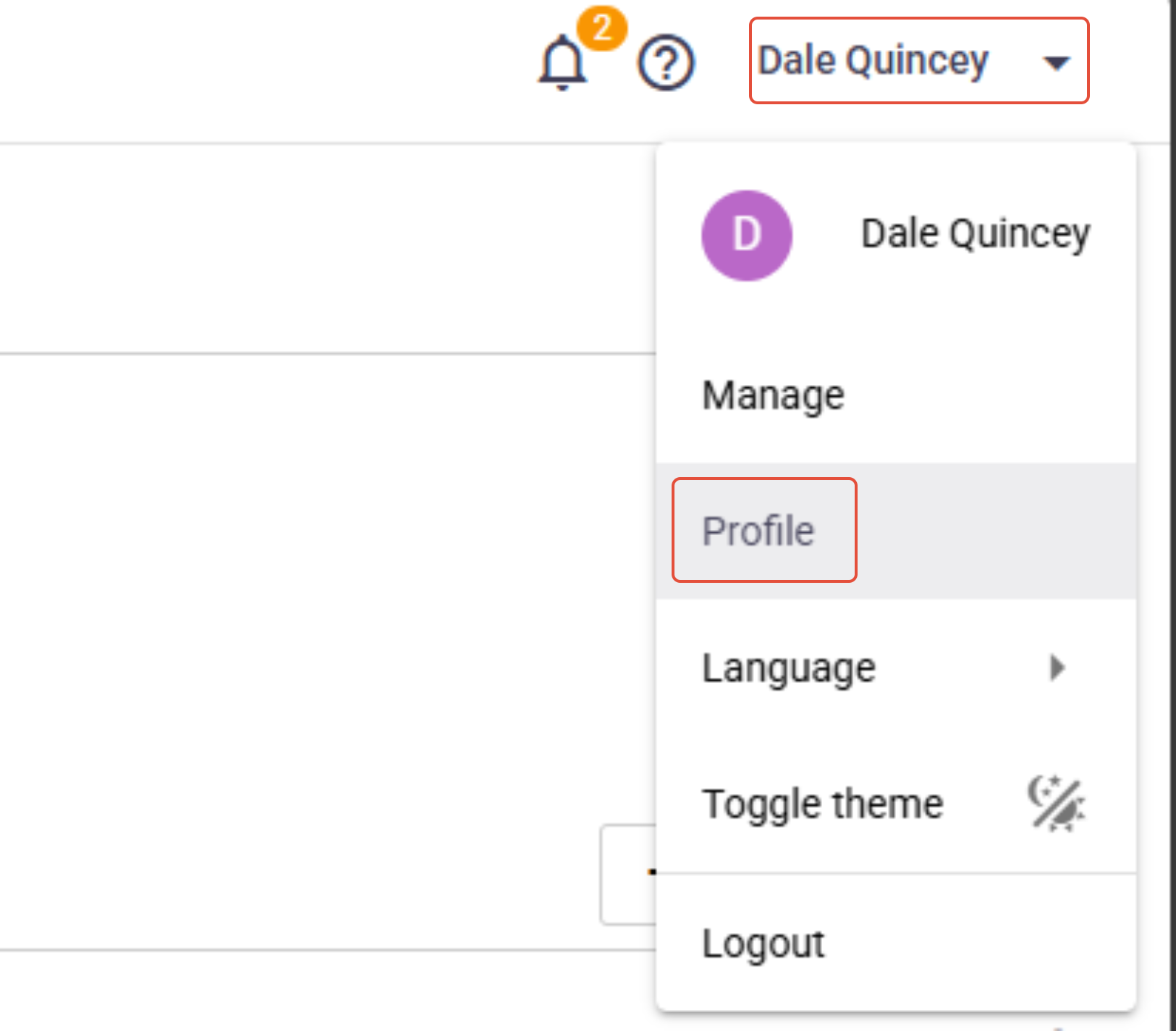
Select the Profile option from the user menu in the top right of the page.
Select the Register additional option from the Profile menu.

Complete the tenant information to create the new tenant.
Once your account has been added to the new tenant, use the menu option at the top right of the Signature 365 portal to switch between tenants.
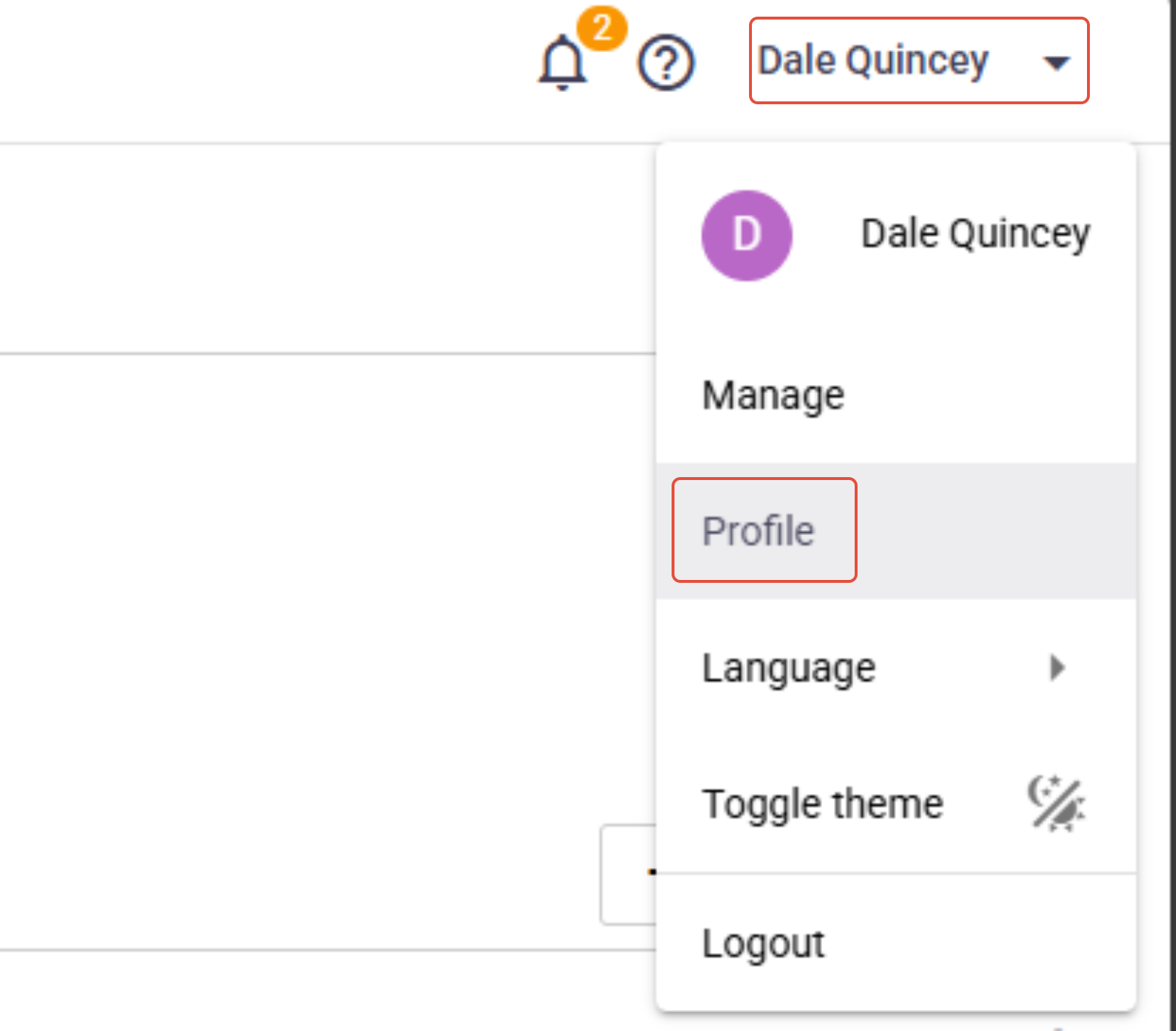
Select the Profile option from the user menu in the top right of the page.
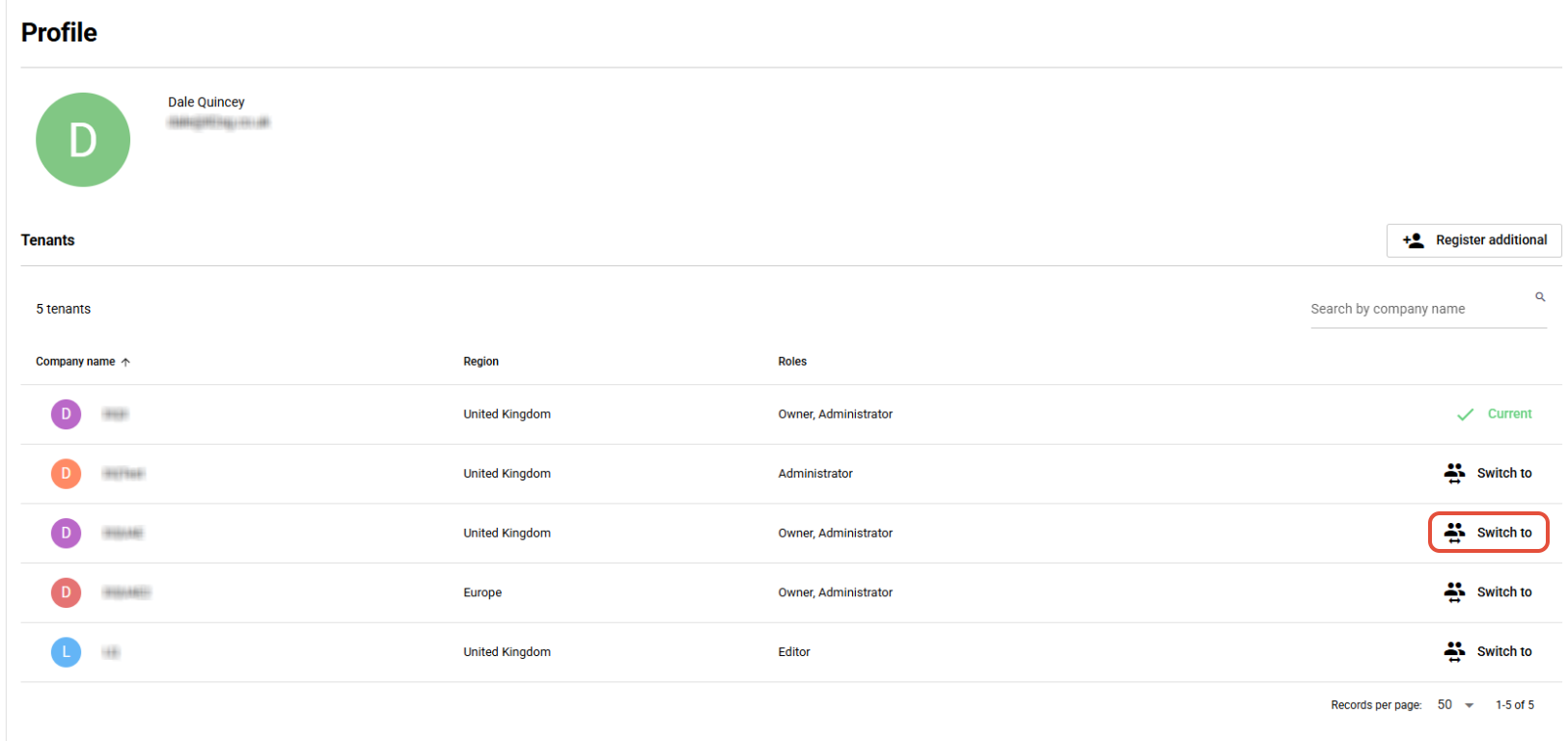
Select the Switch to option to switch to the tenant you want to manage.
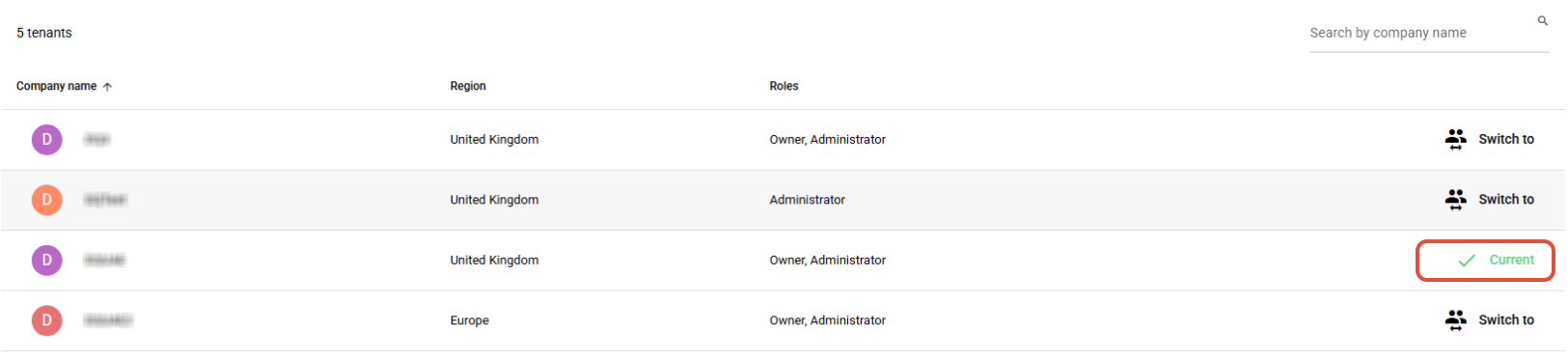
The console will switch to the selected tenant.
Select any option from the Main menu to return to the admin console for the tenant.